
Docs Category
Git Submodule Support
Submodule updates are shown with an orange S status instead of a line-by-line diff. Critiq shows a list of commits between the old and new submodule SHAs so you can review the actual submodule history that changed.
If you are looking for Git submodule support in a desktop client, this view is designed to be more useful than a plain SHA change with no context.
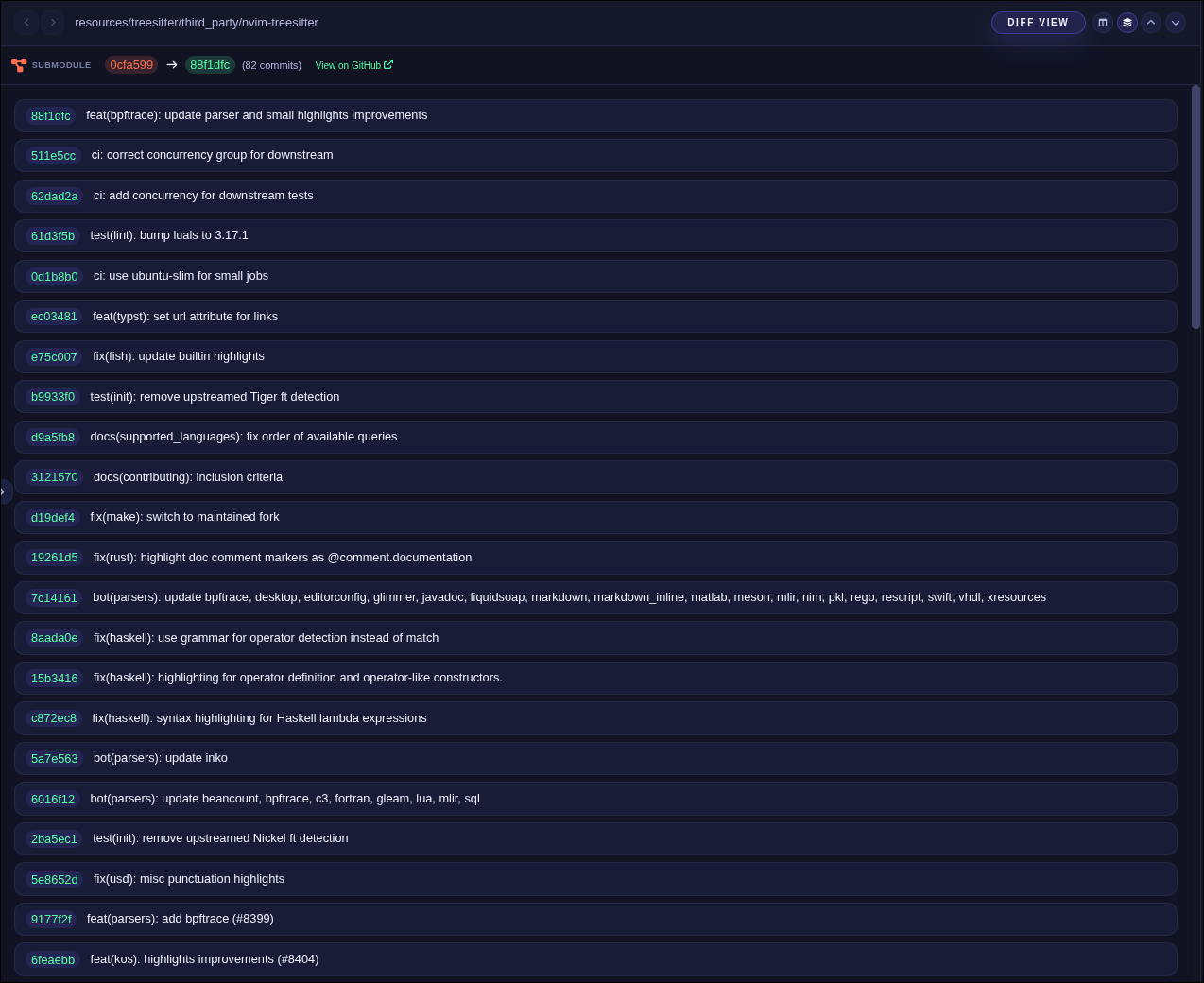
- Right-click a submodule entry in the Changes list or commit files and choose View Submodule Diff.
- This opens the submodule SHA diff inside Critiq, so you can review the submodule changes directly.